Use simulations
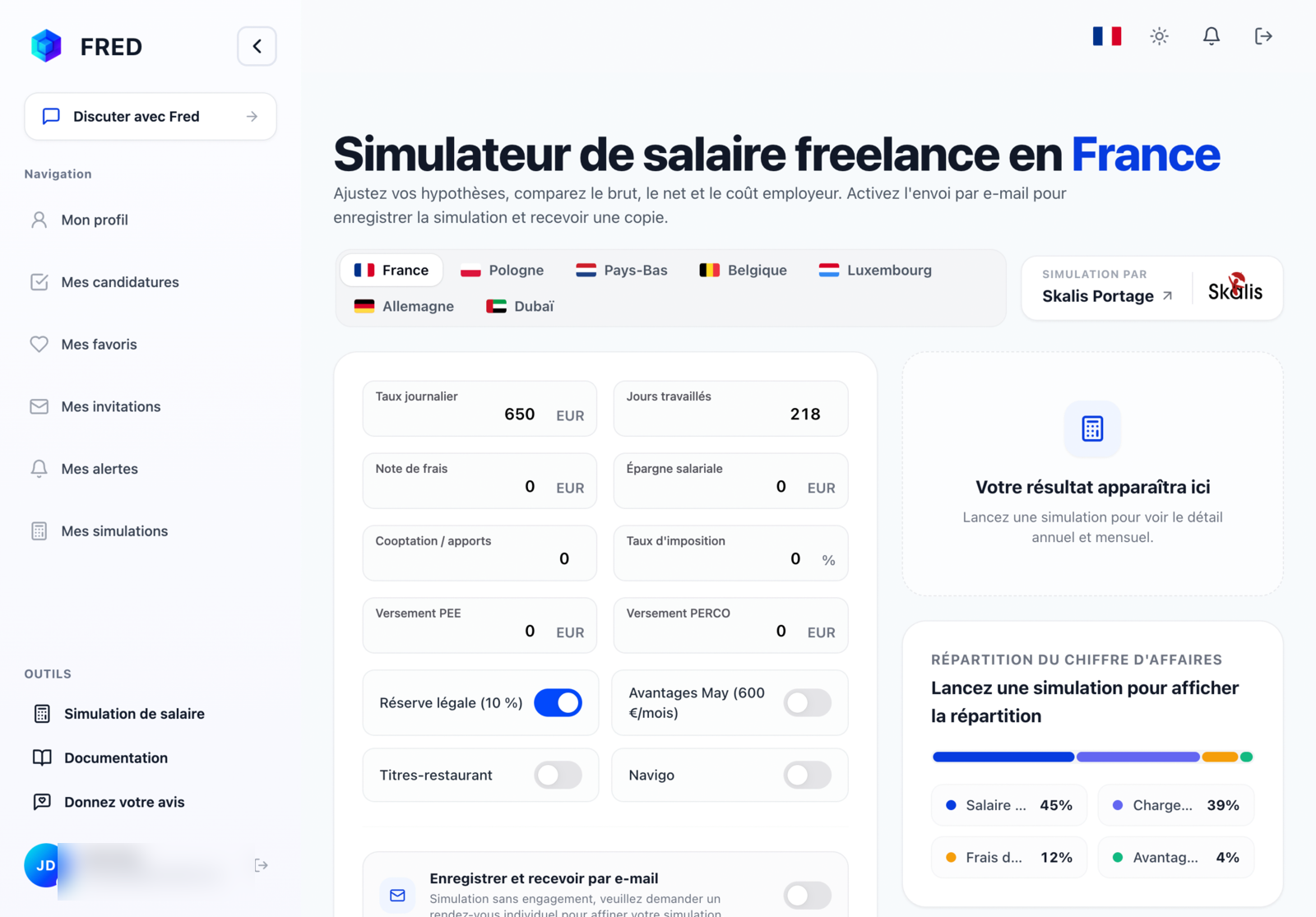
Simulations let you explore a compensation scenario and save the result in your workspace.
Start a simulation
- Open your profile with the 👤 icon.
- Choose Simulations, then Create a simulation.
- Enter the requested information and assumptions.
- Run the calculation and review the result.
A simulation is an estimate. It does not replace personalised advice or verification of your situation.
Save and find a simulation
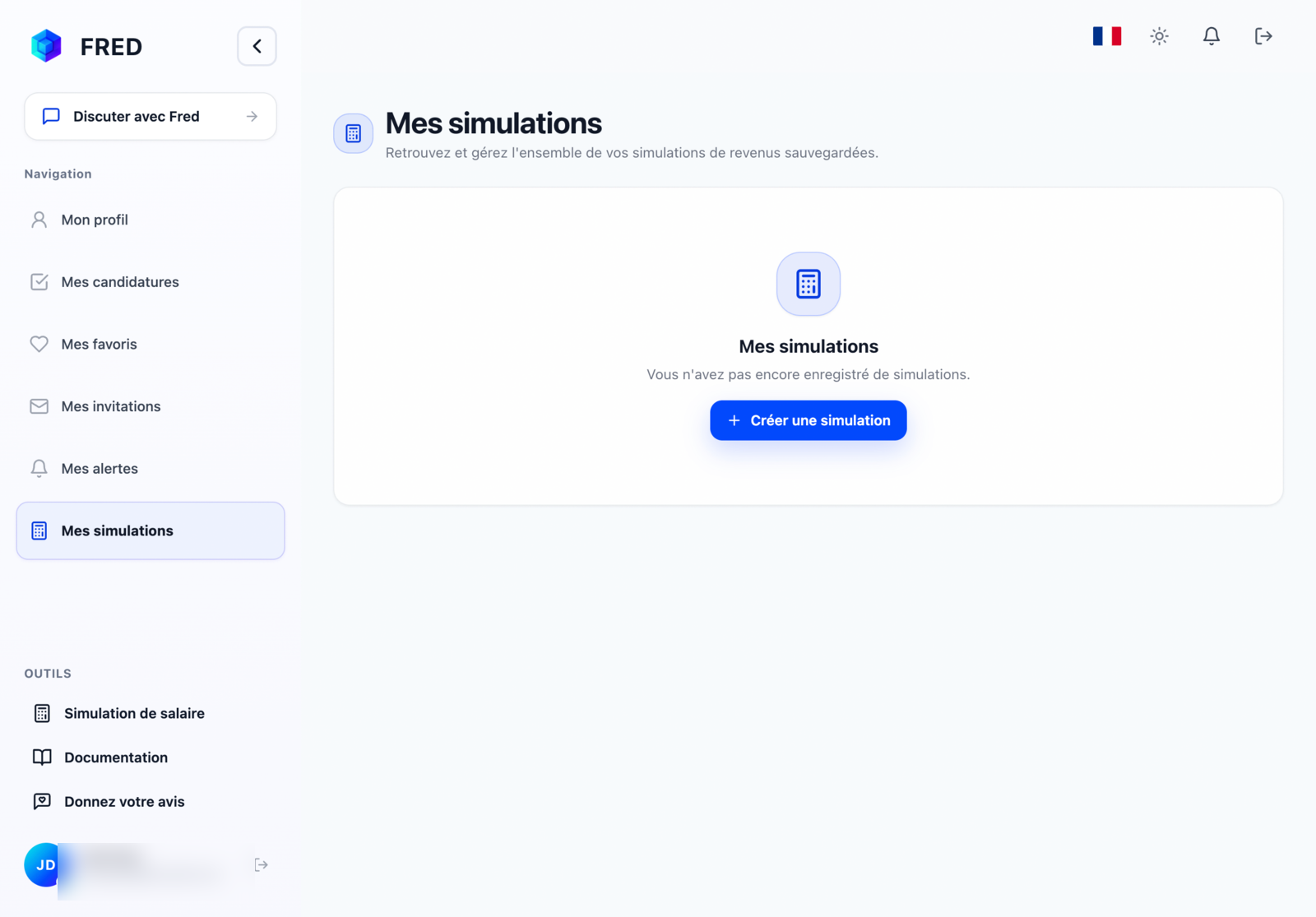
When signed in, save a simulation and find it under My simulations. Open one to review its details or delete it.
⚠️ Deleting a simulation cannot be undone.