Applications
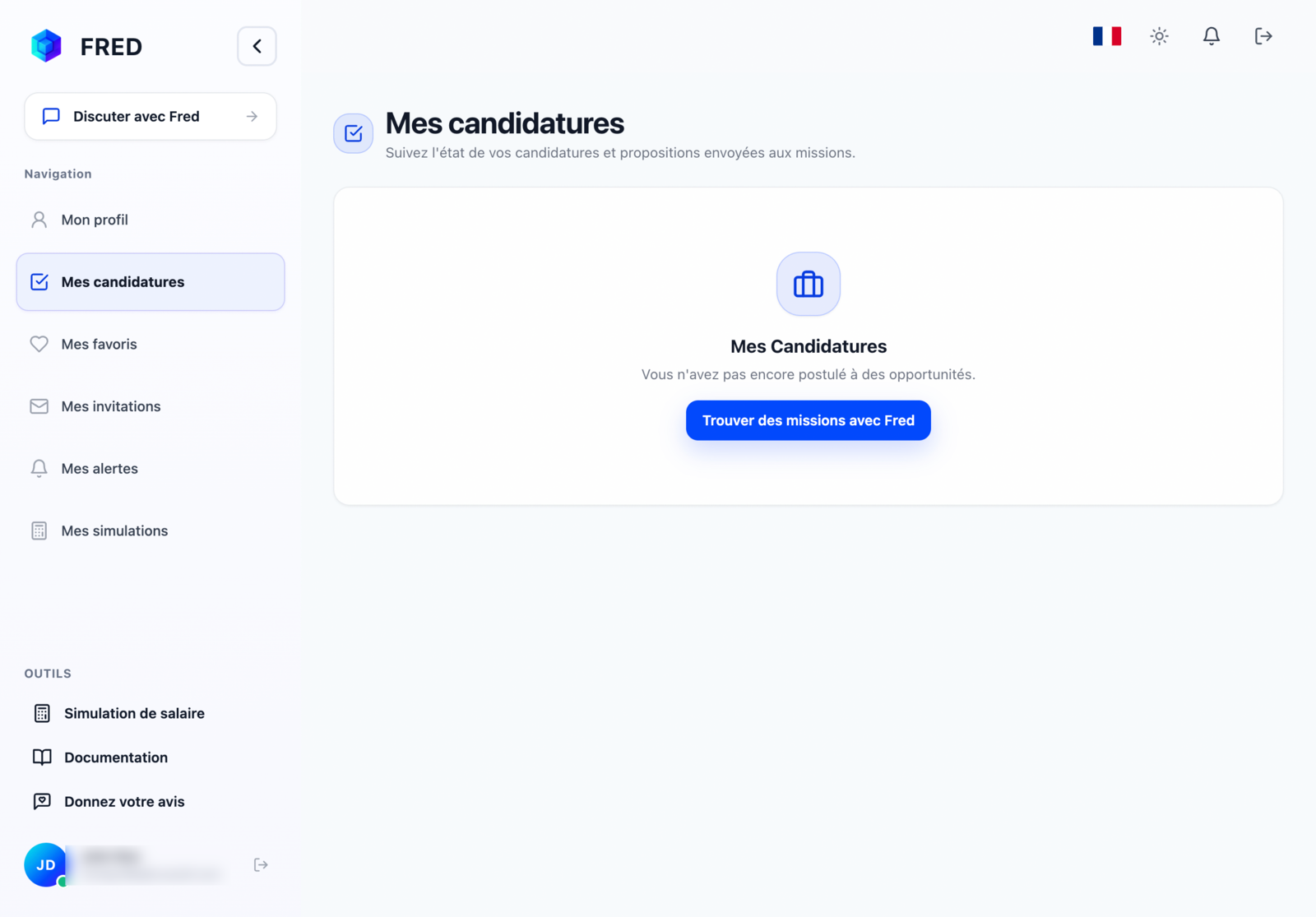
The Applications tab gives you an overview of every opportunity you applied to.
Track your applications
- Click the 👤 icon in the top right.
- Open Applications in your profile sidebar.
Each application shows its current status. You can also ask Fred:
“What is the status of my applications?”
Open an application to review the project information. If available, you can withdraw it from the details page.