Favourite opportunities
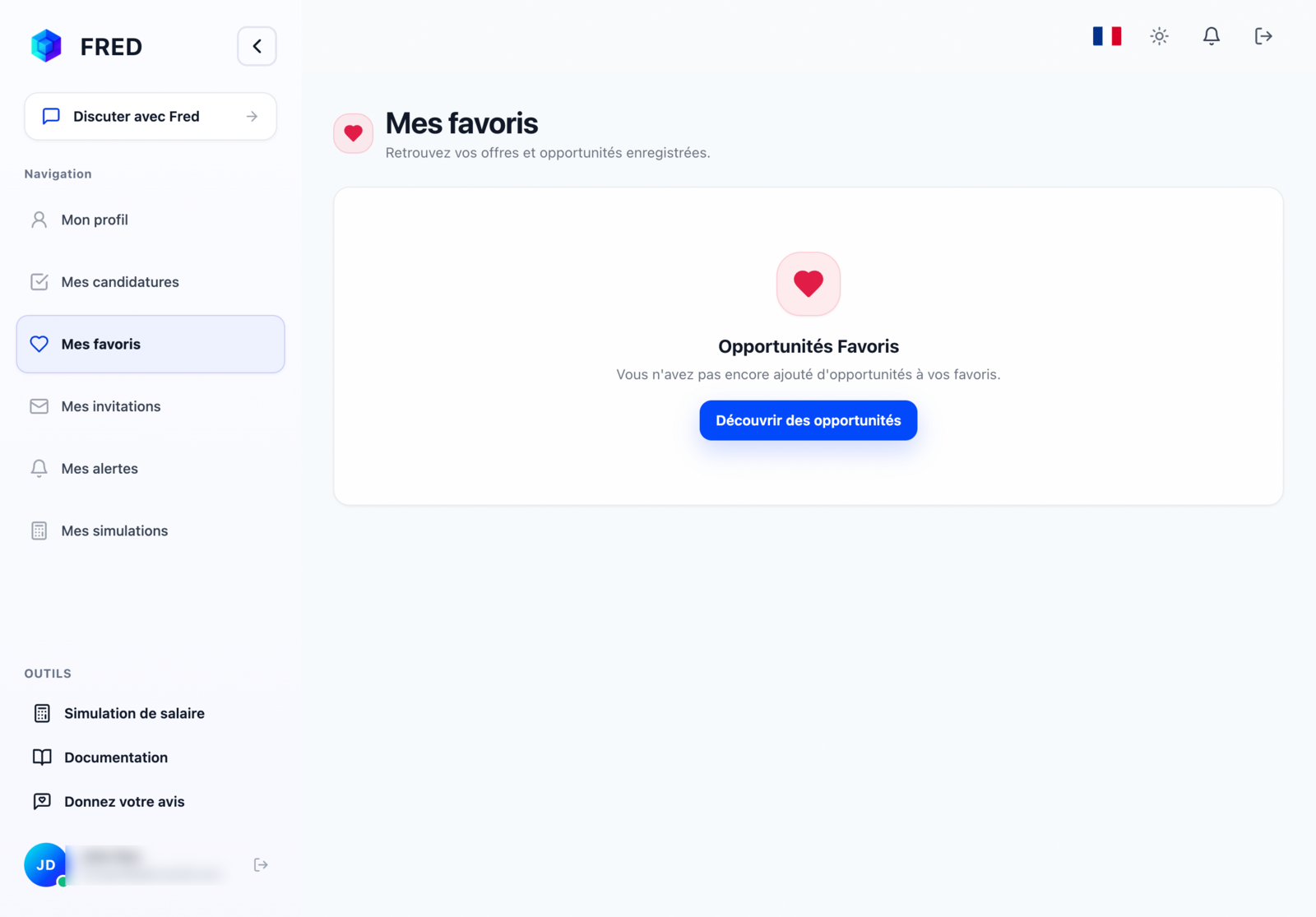
The Favourite opportunities tab contains offers you saved during your project searches.
Use your favourites
- Click the 👤 icon in the top right.
- Open Favourite opportunities in your profile sidebar.
- Open an offer to review its details.
- Click Apply when you are ready.
An offer may close or expire, so check its status before preparing your application.
Remove a favourite
Click the ❤️ icon again in the search sidebar or on the offer details page.