Sign in / Forgot your password
This guide explains how to access your Fred account and recover it if you forget your password.
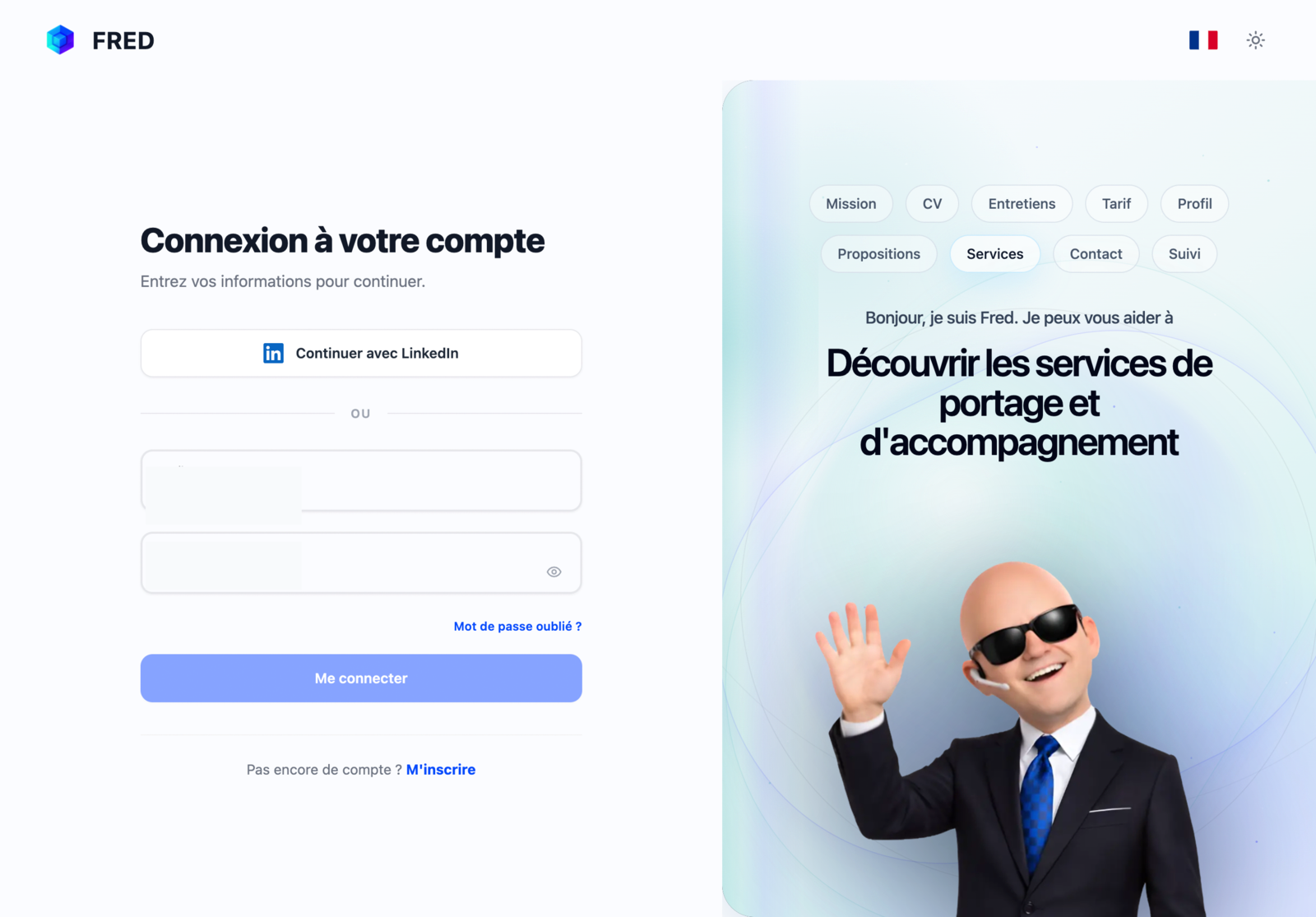
Sign in
Two methods are available:
Email and password
- Open the Fred sign-in page.
- Enter your email address and password.
- Click Sign in.
LinkedIn
- Click Continue with LinkedIn.
- Authorise Fred to access your LinkedIn account.
- You are redirected to your workspace.
Forgot your password
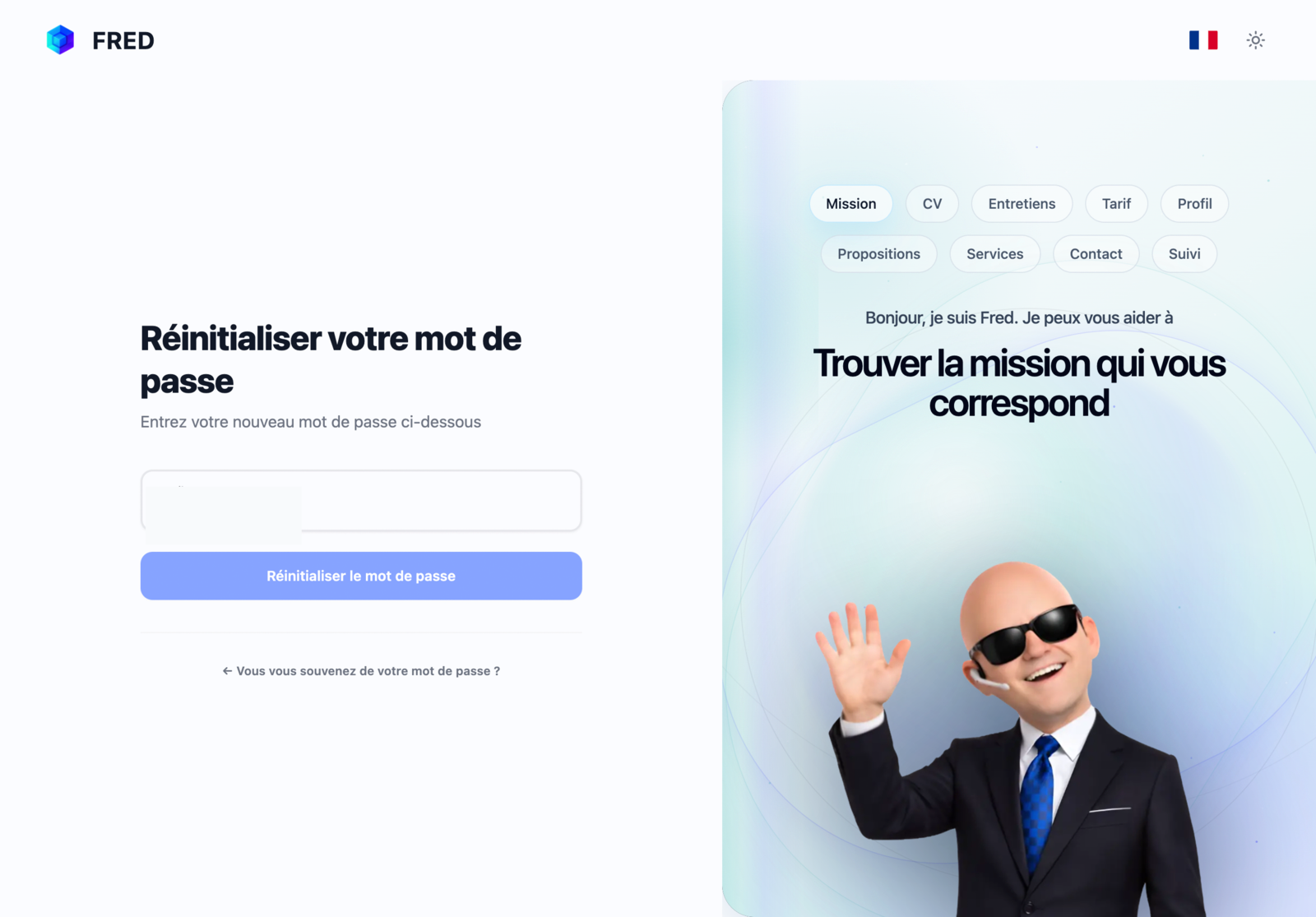
- On the sign-in page, click Forgot password?
- Enter your email address.
- Open the password-reset email.
- Choose a new password.
⚠️ The reset link is valid for 24 hours.
Common errors
| Error | Cause | Solution |
|---|---|---|
| Incorrect credentials | Wrong email or password | Check your details or reset your password |
| Account not verified | Confirmation email was not opened | Check spam or resend the email |
| Account not found | No account is linked to this email | Create an account or check the address |